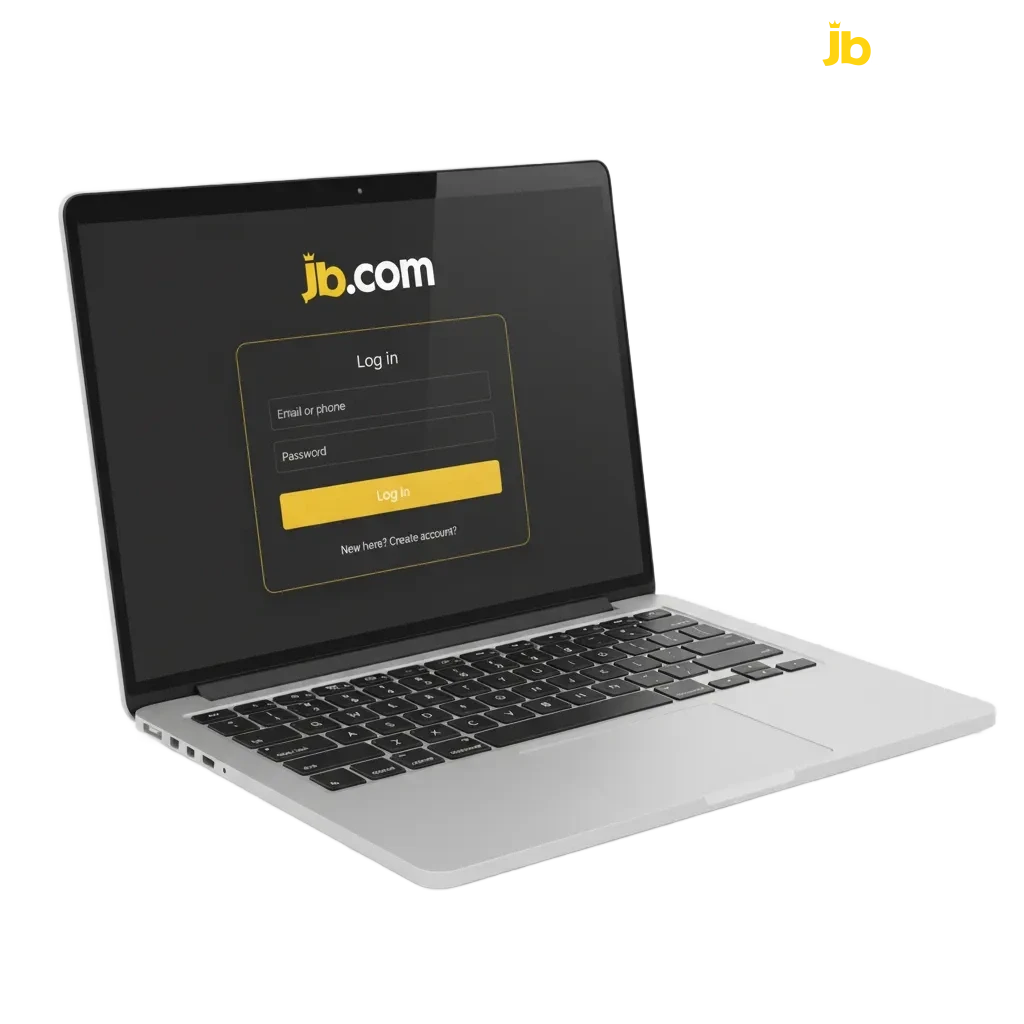
JB Casino Login Page for Ghana Users

Use the JB Casino official website login or the mobile app to access your account fast. Enter your email or mobile number and your password, then tap Log in. After registration and verification, you can sign in any time to bet on sports, play casino games, claim bonuses, and manage transactions. Your data is protected by encryption, and you can turn on two‑factor authentication in settings.

JB Casino Ghana login page showing email/mobile and password fields, Log in button, and 2FA security option.

JB Casino Account Login Options in Ghana

You can complete your JB Casino account login in more than one way. Choose what suits your device.

Email and password, Mobile number and password, Username and password, Google or Apple social login, One‑time code via SMS or email where enabled.

Email and Password Login

This method is reliable and works on any browser or app. It is secure when you use a strong password.

  1. Go to the login page on the official site or open the app.
  2. Enter your email address and your password.
  3. Tap Log in.
  4. Enter the 2FA code if asked.

Login at JB Casino via App

Use the mobile app to sign in quickly. The JB Casino log in on the app is optimised for your phone and built for small screens.

Step 1

Download the Android app from the official site, or add the PWA to your home screen if you prefer the browser.
Step 2

Open the app on your device.

Step 3

Choose your login method: email, mobile number, username, or supported social login.

Step 4

Enter your details and tap Log in, then confirm any 2FA code sent to you.

Step 5

Turn on biometrics in settings for faster access next time.

Possible Account Login Problems on JB Casino and their Solutions

Some users face sign‑in issues. Here are quick fixes for common problems.

Problem Solution
Wrong password Use Forgot Password to reset. Create a new strong password and try again.
No 2FA code arrives Check network, wait 30 seconds, request a new code, and check spam. Try a backup method if available.
Account locked after many attempts Wait 15 minutes, then try again or reset the password to regain access.
Verification pending Complete KYC. Upload a valid Ghana ID and a selfie in Verification. Log in after approval.
Browser cache or outdated app Clear cache and cookies, update the app or browser, then try again.
JB Casino login issues infographic: wrong password reset, 2FA delays, lockout wait, pending KYC, clear cache/update app.

Recovering a Forgotten Password

You can reset your password any time. Follow these steps to regain access.

Step 1

Click the ‘Forgot Password’ link on the login page.

Step 2

Choose how to receive the reset code or link: email or SMS, if both are set up.

Step 3

Enter the code or open the link, then set a new strong password.

Step 4

Sign in again using the new password. The JB Casino sign in may prompt for 2FA if enabled.

Step 5

If no message arrives after a few minutes, check spam or request another code. Contact support if you still need help.

FAQ

Can you stay signed in on multiple devices?

Yes, but for security the platform may limit sessions. You can end sessions in Profile > Security.

Do you need to verify your identity before you can log in?

You can log in after basic registration. Some features need KYC, and you may be asked to verify before full access.

How do you change the mobile number used for login?

Go to Profile > Personal information. Update your number and confirm the SMS code.

How do you enable two‑factor authentication?

Open Security settings. Pick SMS or an authenticator app and follow the on‑screen steps.

Where is the JB Casino official website login page?

Use the secure bookmarked site address. Avoid links from unsolicited messages.

Updated: